Folderloom video guides
Short tutorials for organizing, finding and reusing your work across ChatGPT, Claude and Gemini. Open a guide for the video, written steps and relevant limits.
Prefer watching on YouTube? Subscribe to the Folderloom channel for new tutorials.
Organize chats
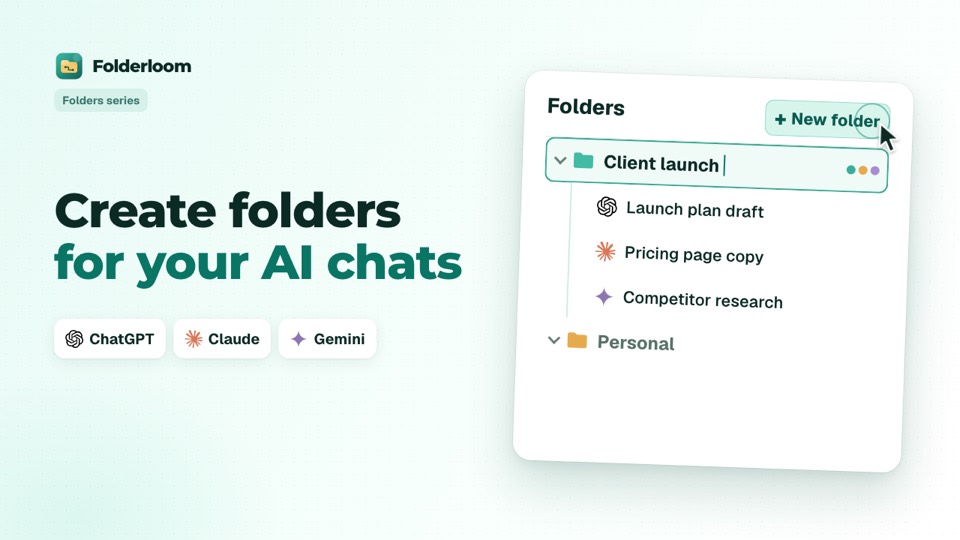 How to Create Folders for ChatGPT, Claude & Gemini0:21Create folders for your AI chats.
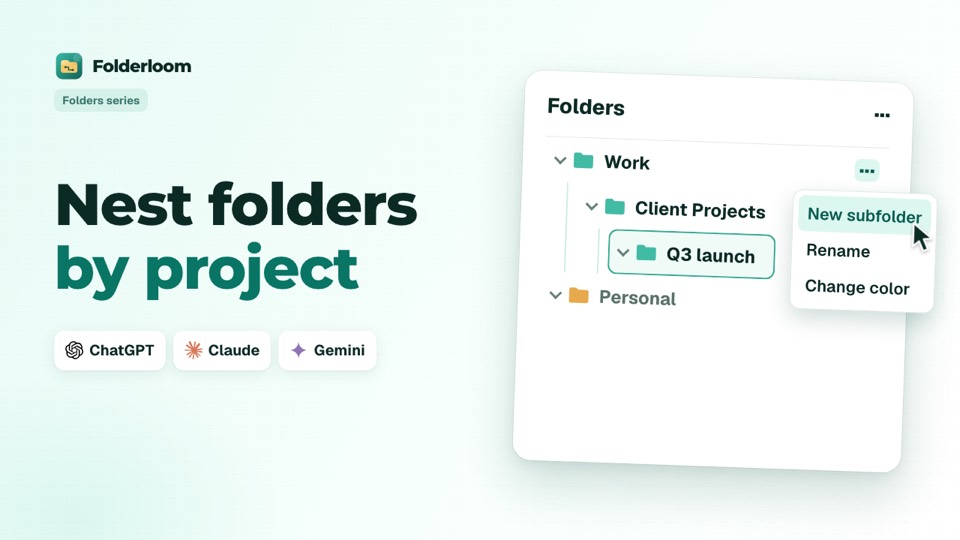 How to Create Nested Folders for AI Conversations0:29Create subfolders inside existing folders.
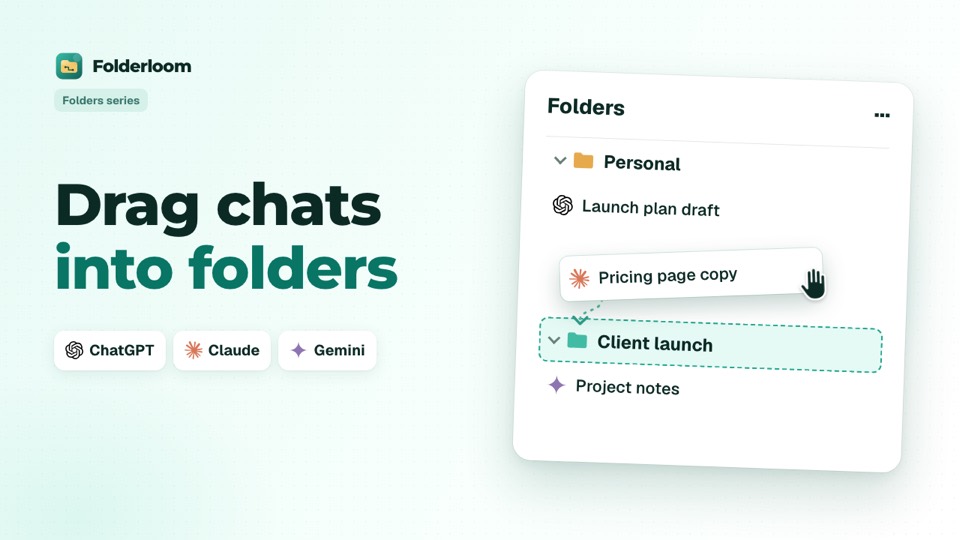 How to Drag & Drop AI Chats into Folders0:19Find an AI conversation you want to organize.
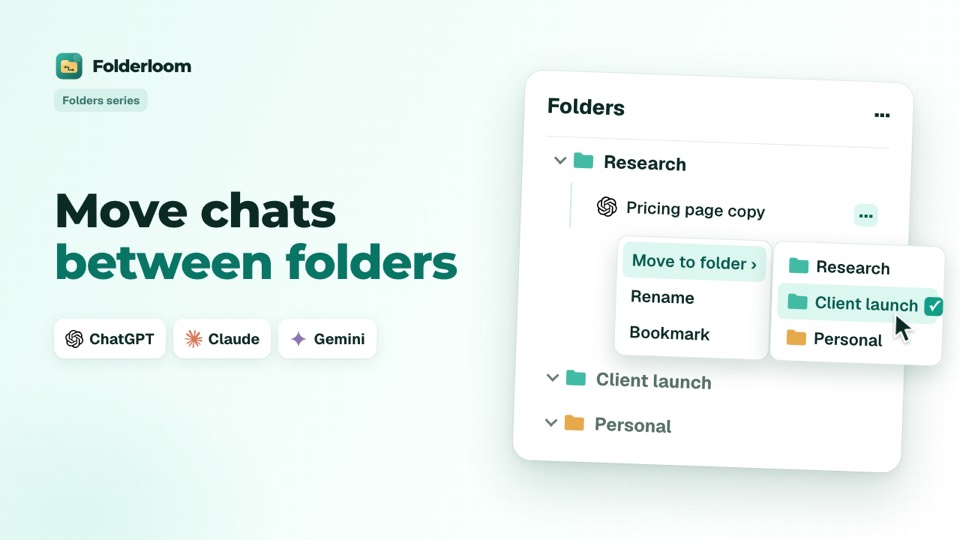 How to Move AI Chats Between Folders0:17Choose a conversation you want to reorganize.
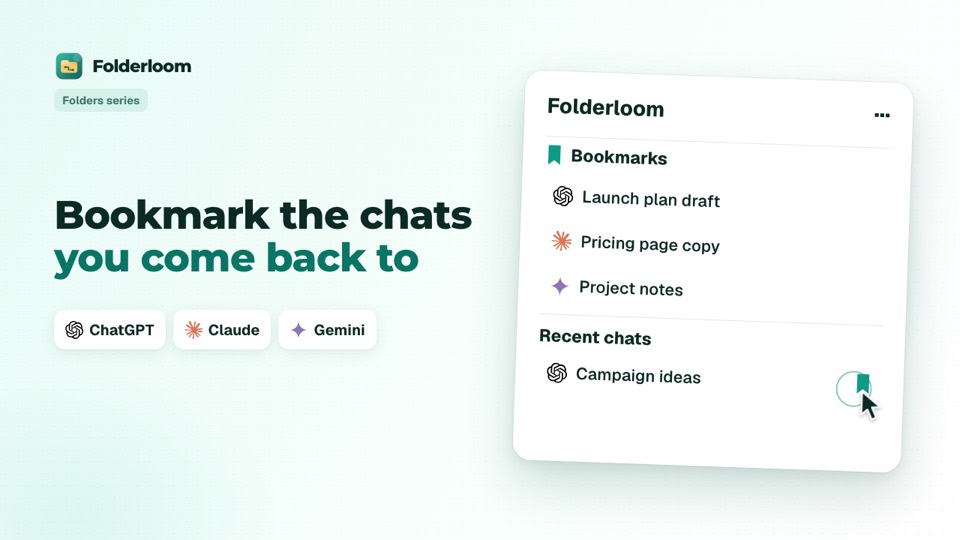 How to Bookmark Important AI Conversations0:19Identify a conversation worth saving.
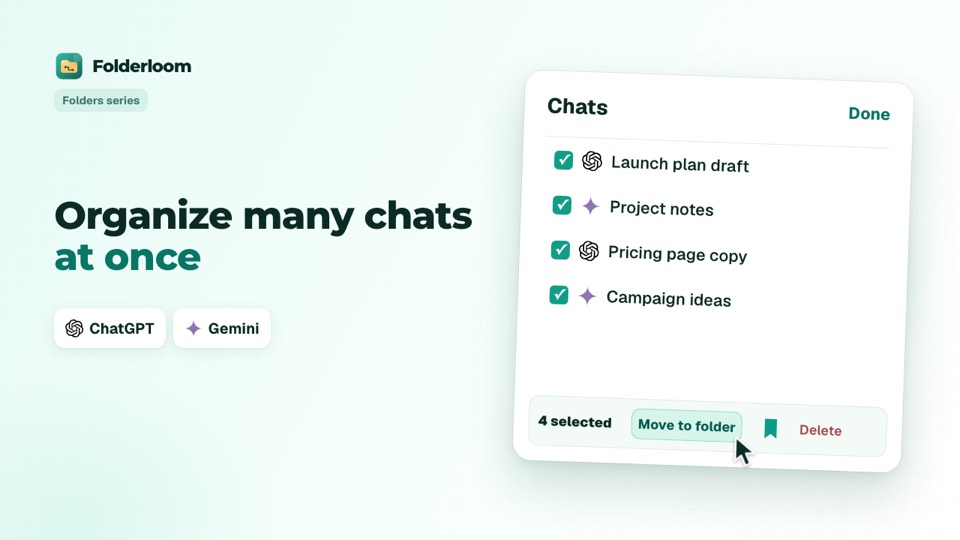 How to Organize Multiple AI Chats at Once with Bulk Actions0:51Managing AI conversations one by one can take more time than it should.
Find
Prompts
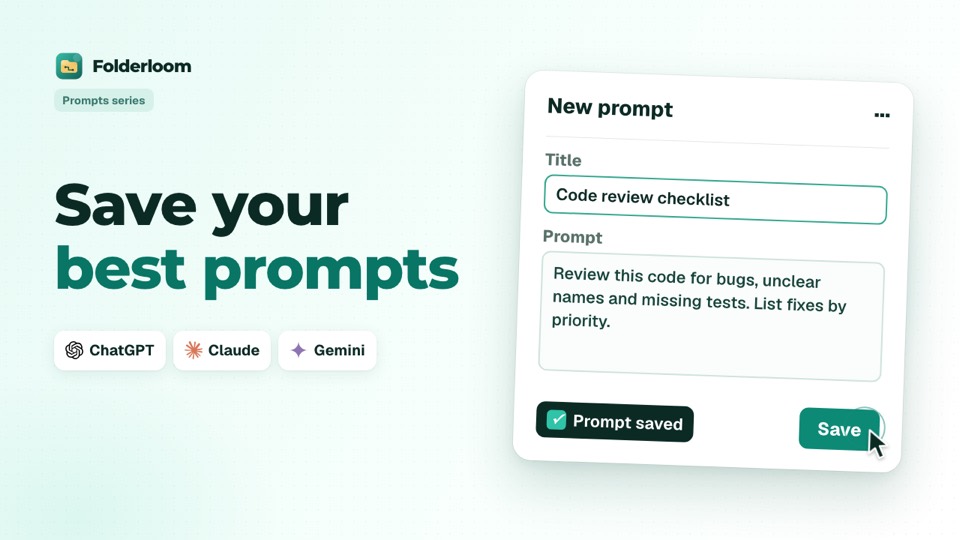 How to Save Your Best AI Prompts0:30Save a prompt from your AI workflow.
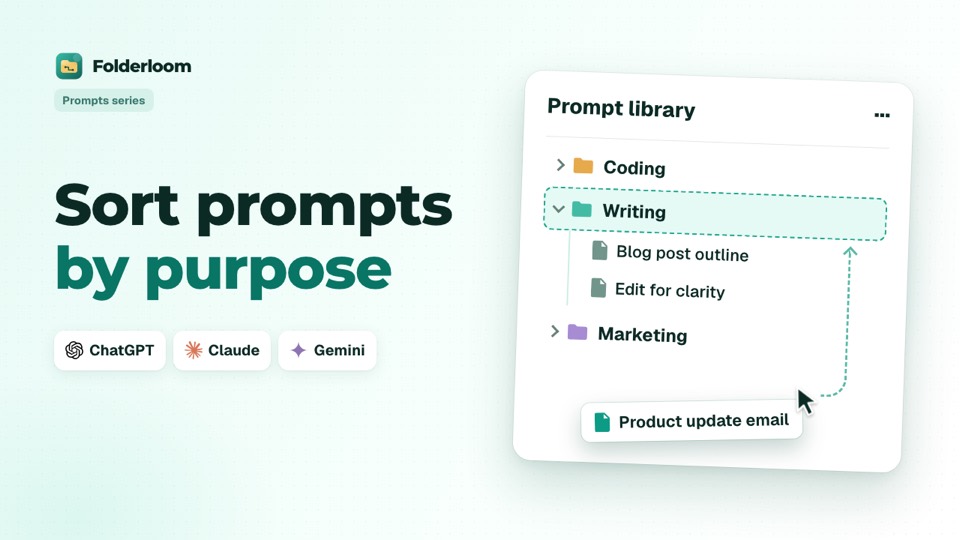 How to Organize Your AI Prompt Library0:20Organize saved prompts into prompt folders.
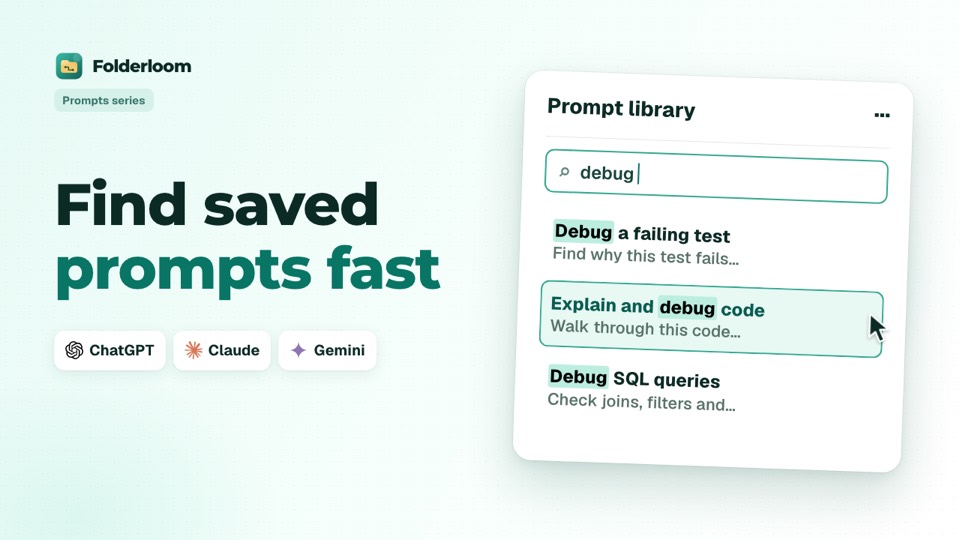 How to Find Your Saved AI Prompts Fast0:22Search saved prompts using a keyword like "debug".
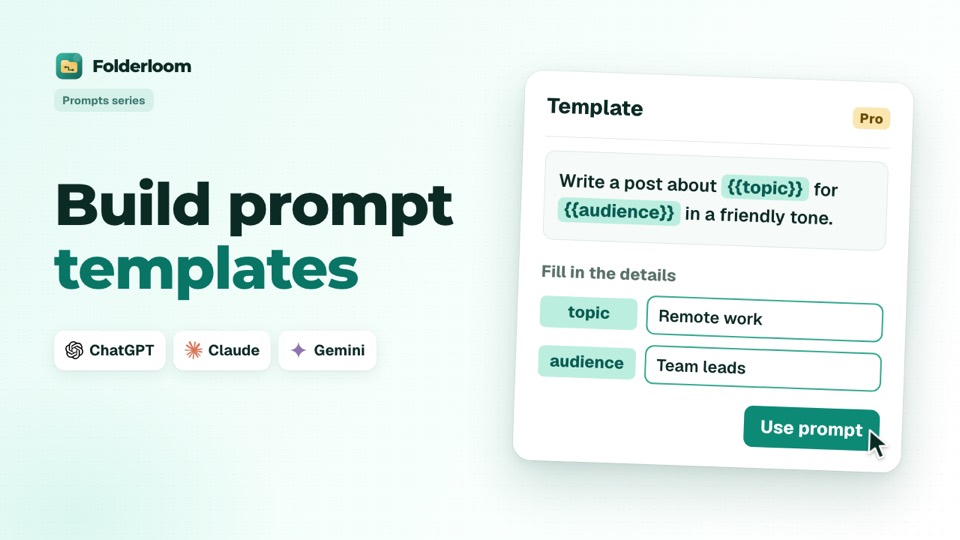 How to Create Reusable AI Prompt Templates0:31Set up a reusable prompt structure.
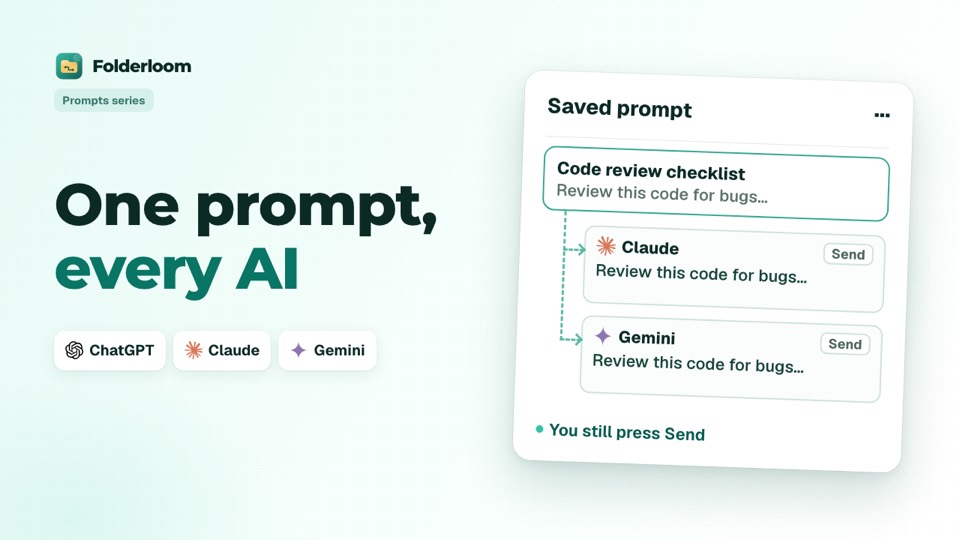 How to Reuse AI Prompts Across ChatGPT & Claude0:20Find a saved prompt in your Prompt Library.
Chat tools
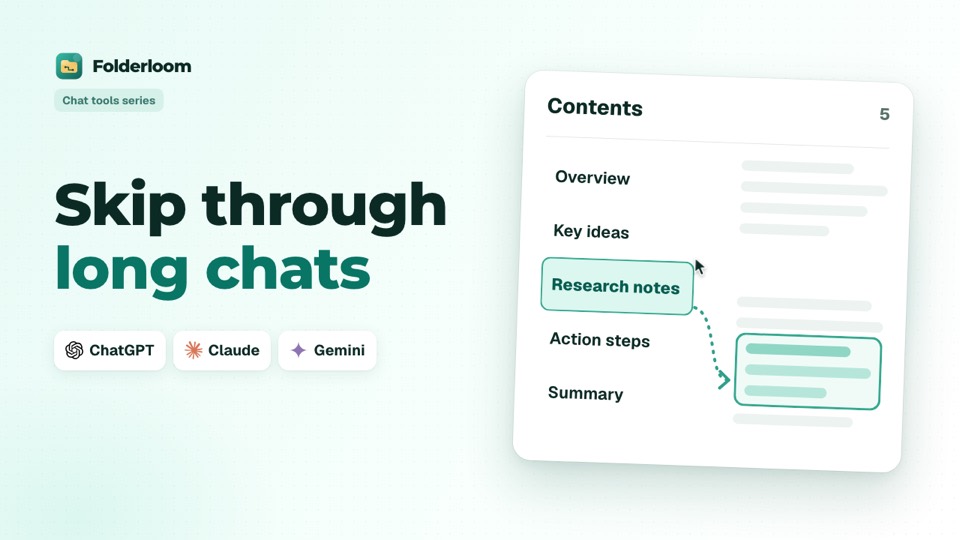 How to Navigate Long AI Conversations with Contents0:24Open the Contents view for an AI conversation.
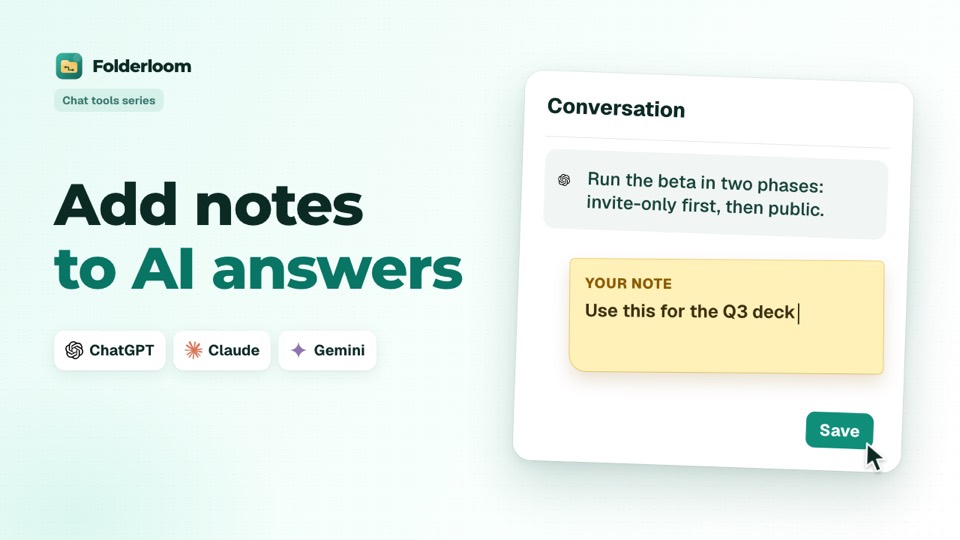 How to Add Notes to AI Messages0:24Find the message you want to annotate.
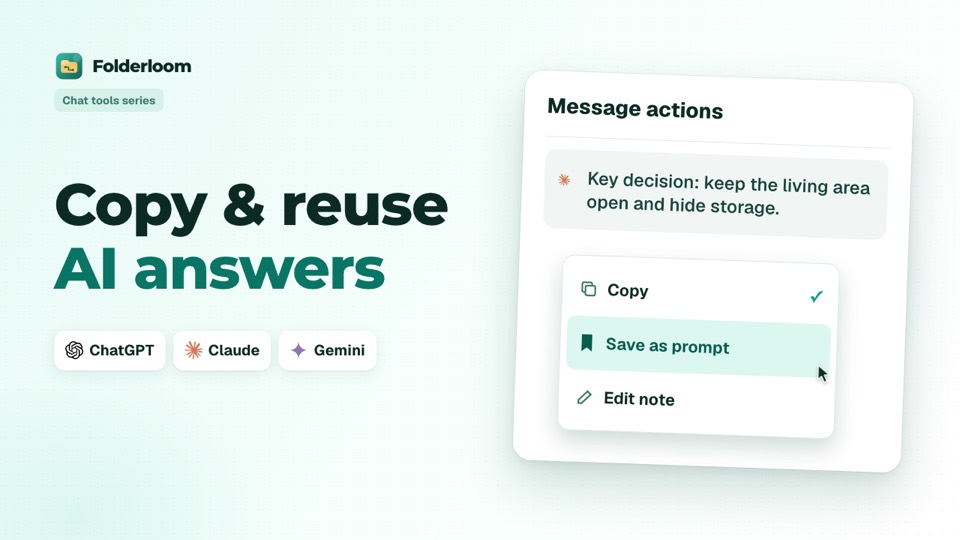 How to Copy and Reuse AI Messages0:23Access message-level tools in a supported AI conversation.
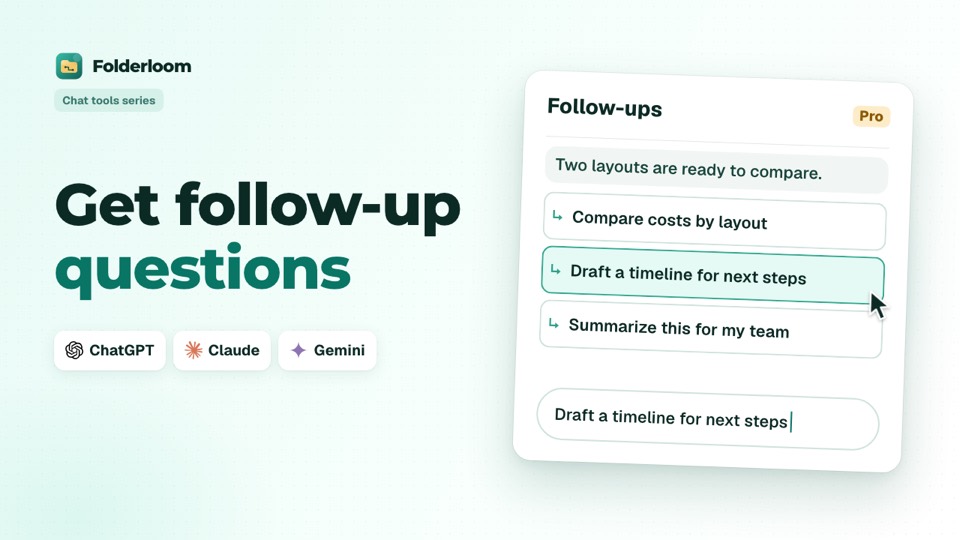 How to Use AI Follow-up Suggestions0:20Turn on Follow-up suggestions.