ChatGPT Exporter alternatives: compare formats, privacy and workflow
FOLDERLOOM · CHATGPT EXPORTER ALTERNATIVES
For an occasional PDF, a free allowance or browser print may be enough. For editable documents, compare DOCX support. If you also need to find and reuse work across ChatGPT, Claude and Gemini, include Folderloom in your evaluation.
Compare five export options
On small screens, scroll the table sideways to read every column.
| Option | Documented scope | Price snapshot or free option | Evaluate it for |
|---|---|---|---|
| Folderloom | Three AI sites; PDF, Word, Markdown, TXT, JSON; organization and reuse | Seven-day Pro trial; $4.99/month or $49.99/year; $29.99 lifetime advertised | Finding and reusing work before exporting |
| ChatGPT Exporter | PDF, Markdown, TXT, CSV, JSON and images; selected messages | Free 3 PDFs/day; Starter $23.88/year, Standard $35.88/year | Occasional ChatGPT export or its supported output formats |
| GPTs Exporter / ChatGPT to PDF | PDF, Word, Markdown, Google Docs and Drive workflows | Limited free downloads; $5/month or $36/year advertised | Direct Google Docs/Drive and document customization |
| ChatExports | Word, PDF, Markdown and bulk export across multiple AI services | $10 ChatGPT-only; $25 all-platform lifetime advertised | Export-focused work across a wider platform range |
| Native data export / browser print | Account data archive / printing the rendered page | Check account eligibility; browser print needs no export subscription | Getting account data or a basic one-off PDF |
Published product information checked November 3, 2026. Prices are USD; taxes, license scope and current promotions should be confirmed at checkout. Sources are linked in the article below. ChatGPT Exporter prices shown are annual-billed totals, not monthly-billed offers. Native account export and browser print serve different purposes.
About this comparison
This guide is published by Folderloom and compares vendor documentation checked November 3, 2026. It does not claim hands-on export-quality results.
Match processing location to the format
Folderloom describes local document generation with an online access check. ChatGPT Exporter describes temporary server processing for PDF and in-browser processing for its other listed exports. GPTs Exporter describes sending the conversation to its servers for conversion. ChatExports advertises client-side processing. These are vendor statements, not independent security certifications. Folderloom privacy, ChatGPT Exporter FAQ, GPTs Exporter guide, ChatExports.
Check the particular action you plan to use. An extension can generate one format locally while sending another to a service. Account sign-in, sync and direct Drive integration introduce separate data flows.
Test the document you will actually use
Try a conversation containing a table, a code block and the languages you work in. Check the first and last messages, page breaks and editable text. Open the downloaded Word file in your editor. Treat unsupported attachments separately. This is a suggested evaluation method; no tool is scored for tests we have not run.
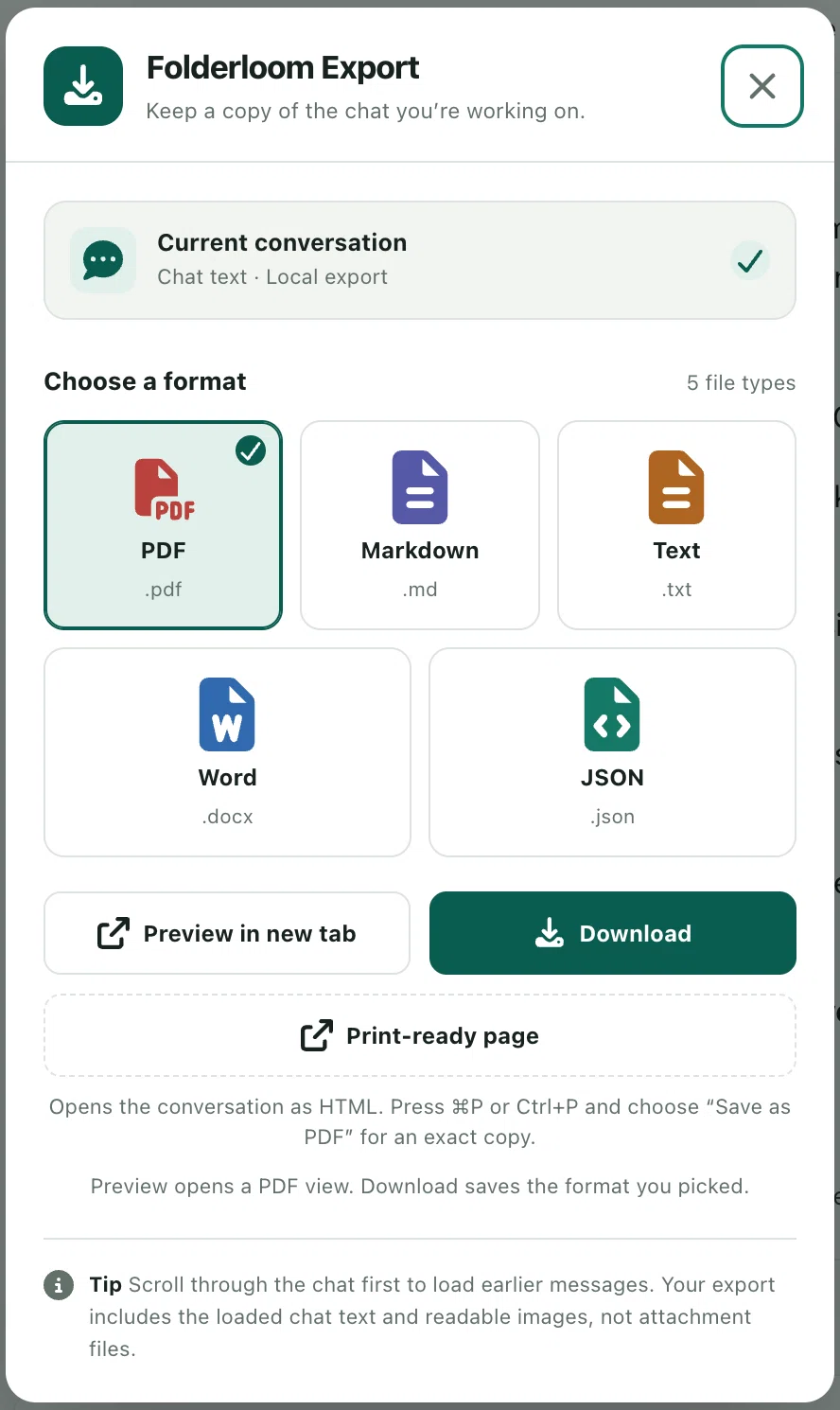
Folderloom's export uses available loaded text and can omit messages, images and attachments. Its broader value is keeping project links and prompts close to the conversation before you produce the document. Export limitations.
Frequently asked questions
Is native export a substitute for a PDF tool?
OpenAI's account export produces an archive of eligible account data. That serves a different purpose from a formatted PDF of a selected conversation, and availability depends on account and workspace rules. Use the archive for account records; check document tools separately when you need a specific conversation formatted for reading or editing.
When should I pay for Folderloom?
Consider it when organizing, finding, reusing and exporting are recurring parts of the same work. If you only need a few PDFs, try an appropriate free option first. Use the trial to check the document format, search coverage and supported AI sites you need. Confirm the current plan and billing terms before buying.