Folderloom vs AI Toolbox: which AI chat organizer fits you?
FOLDERLOOM · AI TOOLBOX ALTERNATIVE
Both extensions organize AI chats. Folderloom keeps one folder tree for ChatGPT, Claude and Gemini, with a reviewed draft or an automatic handoff and a lower entry price. AI Toolbox adds Grok, full-history search, prompt chains, tags and team tools.
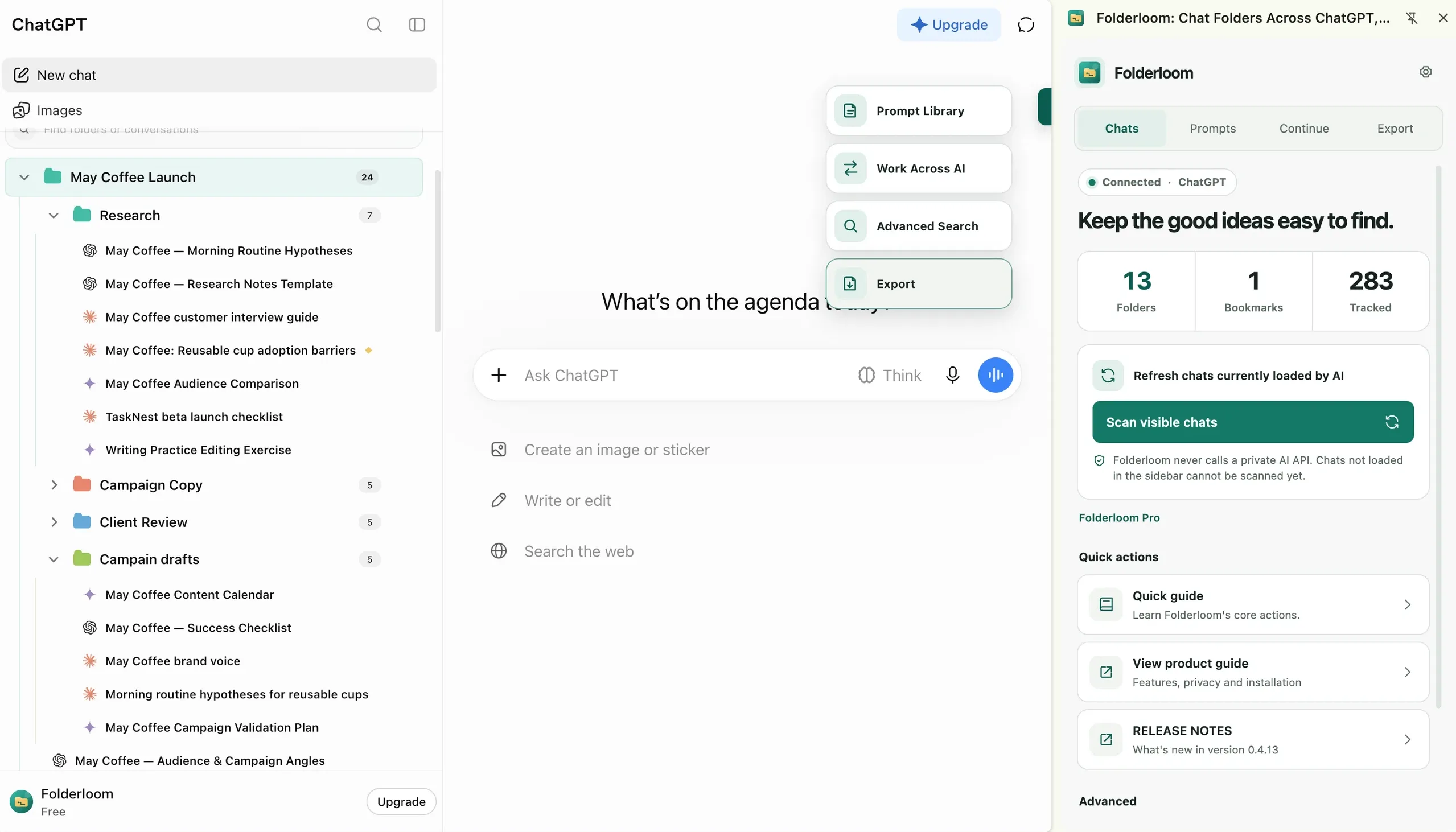
Compare Folderloom and AI Toolbox
On small screens, scroll the table sideways to read every column.
| What you need | Folderloom | AI Toolbox |
|---|---|---|
| AI sites | ChatGPT, Claude and Gemini | ChatGPT, Claude, Gemini and Grok |
| Folders and bookmarks | One nested folder tree and bookmarks | Nested folders, bookmarks and labels |
| Search | Chats you opened and captured in this browser | Full message history, per the listing |
| Move context to another AI | Reviewed draft, or One-click transfer | Context handoff summary |
| Prompt library | Folders, saved prompts and variables | Library, variables and prompt chains |
| Account sync | Folders, links, prompts and saved edit recovery | Organization data, encrypted at rest |
| Export | PDF, Word, Markdown, TXT and JSON | TXT, Markdown, JSON, PDF and ZIP |
| Team tools | — | Team prompts, seats and admin |
| Trial and entry price | 7 days free; $4.99/month | Free tier; $9.99/month |
| Lifetime option | $19.99 Early Bird while available | $99 ChatGPT; $199 All Access |
Prices and features checked October 30, 2026 on the Folderloom listing, the AI Toolbox listing and the AI Toolbox pricing page. Provider features and prices can change.
What both tools do
Both add folders, bookmarks, a prompt library and export to AI chat sites. Both sync your organization to an account, and both sell a one-time lifetime option.
The difference is scope. Folderloom is built around three AI sites and moving context between them. AI Toolbox is a broader productivity suite for four AI sites.
Where Folderloom is the better fit
You work mainly in ChatGPT, Claude and Gemini and want one folder tree for all three. Continue opens an editable draft in the next AI. One-click transfer sends the available text for you.
You want a lower entry price and a 7-day trial without a card. Pro is $4.99/month or $49.99/year. The Early Bird lifetime license is $19.99 while spots last.
You want account sync plus saved edit recovery without a team dashboard. Folderloom keeps one active extension session and restores a saved prompt edit when two devices conflict.
Where AI Toolbox is the better fit
You need Grok, or you want one tool for four AI sites. AI Toolbox supports ChatGPT, Claude, Gemini and Grok in one extension.
You want full-history search. AI Toolbox indexes the full content of every message. Folderloom searches chats you have opened and captured in this browser, so unopened chats and unloaded messages can be missing.
You want prompt chains, smart tags, bulk delete, a context-window meter or team seats. AI Toolbox includes these. Folderloom focuses on folders, prompts, handoff and export.
How the pricing compares
Folderloom lists Pro at $4.99/month or $49.99/year, with a 7-day trial and a $19.99 Early Bird lifetime license while spots last.
AI Toolbox lists a free tier, ChatGPT Pro at $9.99/month, ChatGPT Lifetime at $99 and an All Access lifetime at $199 for all four platforms. Offers can change; check both checkout pages before buying.
What to check before choosing
Check the AI sites you actually use. Both tools change with provider page updates, so confirm the current install supports the site you rely on.
Check what search can see. Full-history search and opened-chat search are different promises. Pick the one that matches how you look for old answers.
Check the purchase path. Folderloom Pro is bought inside the extension after install. AI Toolbox sells on its website. Read the current terms, refund policy and license scope on each site.
Frequently asked questions
Is Folderloom a direct AI Toolbox alternative?
For folders, bookmarks, prompts, export, account sync and moving context between ChatGPT, Claude and Gemini, yes. Folderloom is the closer alternative. AI Toolbox is broader: it adds Grok, full-history search, prompt chains, smart tags and team tools that Folderloom does not offer.
Does Folderloom search my full chat history?
No. Folderloom Advanced Search looks at chat text you have opened and captured in this browser. Chats you never opened, and messages that never loaded, can be missing from results. AI Toolbox advertises full-history search across every message, which is a different promise and a different index.
Which one is cheaper?
Folderloom lists Pro at $4.99/month or $49.99/year, with a 7-day free trial and a $19.99 Early Bird lifetime while spots last. AI Toolbox lists a free tier, $9.99/month for ChatGPT, $99 ChatGPT Lifetime and $199 All Access lifetime. Check both checkout pages before buying.
Can I run Folderloom and AI Toolbox together?
Two extensions that both change the same AI sidebar can conflict, duplicate controls or fight over the same chat list. Test one at a time in a separate Chrome profile before relying on both. If you keep both, use one for organization and the other for prompts so each has a clear job.